Start a Website Design
In Canva, search for Website or Portfolio Website. Choose a clean template that lets your artwork be the focus.
Yearlong Portfolio Project
Build one polished digital portfolio across the full Graphic Design course: a first-semester photography portfolio and a second-semester design portfolio.
Purpose
Students will use Canva to collect, organize, reflect on, and publish their best work. The portfolio should show technical skill, creative growth, design vocabulary, and thoughtful revision over time.
Step 1
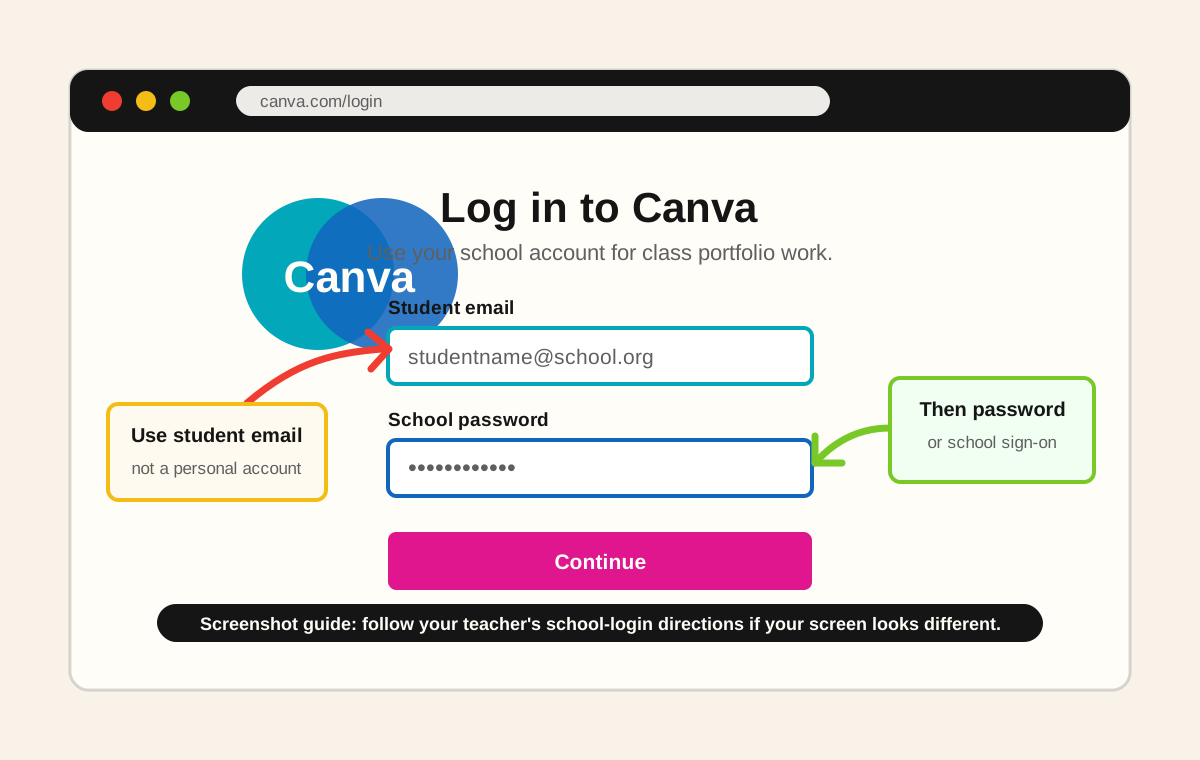
Setup Steps
In Canva, search for Website or Portfolio Website. Choose a clean template that lets your artwork be the focus.
Name the Canva file Graphic Design Portfolio - First Last or use your class alias if your teacher asks you to avoid full names.
Create pages or sections for Home, Photography, Photoshop, Illustrator, Layout, Theory, and Final Reflection.
Upload final images, process screenshots, contact sheets, sketches, or exported designs as each assignment is completed.
For each piece, explain the goal, tools used, design concept, revision choices, and what you would improve next time.
Publish the portfolio as a Canva website, copy the share link, and update the same portfolio throughout the year.
Yearlong Plan
Students collect their strongest images and show growth in composition, lighting, editing, visual storytelling, and critique.
Students add original design work that demonstrates visual communication, typography, layout, vector design, and design theory.
Weekly Workflow
Publish
Privacy reminder: use first name only, first name plus last initial, or a class alias if your teacher requires it. Do not publish personal contact information.
Reference Videos
A current Canva portfolio tutorial students can use as a support video.
This reference video may not allow a reliable embedded preview, so open it directly on YouTube.
Open Reference Video